



Best laser engraving tools UK: 2026 buyer's guide
TL;DR:
- The xTool F2 Ultra is the best all-around laser engraver for UK small businesses, combining metal marking and organic material engraving. Supporting modular upgrades, UK reseller support, and batch capability, it offers versatility across materials. Budget options like Sculpfun SF-A9 and Two Trees TS2 suit beginners, while specialized machines serve metal, portable, or high-throughput needs, emphasizing safety and support.
For most UK small businesses, the xTool F2 Ultra is the strongest all-round choice: 60W MOPA fibre with an optional diode module, batch-capable conveyor support, and UK availability through resellers including Subliblanks. If you are starting out on a tighter budget, the Sculpfun SF-A9 or Two Trees TS2 will get you engraving wood and acrylic without a large upfront commitment. For metal marking specifically, the ComMarker B4/B6 fibre and UV variants are hard to beat at their price point. Need portability? The xTool F1 dual-laser fits in a bag. And for a beginner-friendly enclosed setup, the Glowforge Aura removes almost every technical barrier.
Quick picks:
- Best overall: xTool F2 Ultra (60W MOPA fibre, modular, batch-capable)
- Best budget: Sculpfun SF-A9 (diode, wood and acrylic focus)
- Best for metal marking: ComMarker B4/B6 (fibre/UV, specialist substrates)
- Best portable: xTool F1 (dual-laser, compact)
- Best for beginners: Glowforge Aura (enclosed, cloud-based workflow)
- Best high-throughput: xTool P2 (CO2, camera alignment, production-ready)
- Trade supply and UK support: Subliblanks (xTool machines, consumables, blanks)
| Machine | Best for | Laser type | Typical power | UK price band |
|---|---|---|---|---|
| xTool F2 Ultra | Metal + organics, batch work | MOPA fibre + diode | 60W fibre | £££££ |
| xTool P2 | Mixed cutting and engraving, small production | CO2 | 55W | ££££ |
| xTool S1 | Enclosed studio/classroom use | Diode | 10W | £££ |
| xTool F1 | Portable versatile engraving | Dual (diode + IR) | 10W + 2W | £££ |
| LaserPecker LX2 | Fast enclosed diode, modular | Diode | 10–20W | £££ |
| Glowforge Aura / Pro | Beginner-friendly enclosed CO2 | CO2 | 6W / 45W | £££–££££ |
| WeCreat Vision Pro | Camera-assisted batch precision | Diode | 20W | £££ |
| SnapMaker Artisan | Multi-tool (laser + CNC + 3D print) | Diode | 10W | ££££ |
| Creality Falcon A1 Pro | Budget studio, known brand | Diode | 22W | ££ |
| Sculpfun SF-A9 | Budget wood and acrylic | Diode | 20W | ££ |
| Two Trees TS2 | Entry-level hobbyist | Diode | 10W | £ |
| Wainlux K10 | Beginner craft | Diode | 5–10W | £ |
| ComMarker B4 / B6 | Specialist metal and coated materials | Fibre / UV | 20–50W | £££–££££ |
| ComMarker Omni 1 (UV) | Glass, plastics, heat-sensitive | UV | 3–5W | £££ |
| Acmer P3 | Mixed-material workshop | CO2/diode hybrid | 20W | ££ |
Price bands: £ = under £300 / ££ = £300–£800 / £££ = £800–£1,500 / ££££ = £1,500–£3,000 / £££££ = £3,000+
Table of Contents
- Which laser engraving machine is right for your UK business?
- How to choose the right laser engraver for your needs
- LightBurn, LaserGRBL, or vendor apps: which software should you use?
- Scaling from hobby to small production: UK safety and hidden costs
- Key takeaways
- Why modular, supported machines are the right call for UK small businesses
- Subliblanks: UK trade supply for laser engravers and consumables
- Sources and further reading
Which laser engraving machine is right for your UK business?
The machines above span a wide range of capabilities. What follows is the expanded breakdown: real specs, honest pros and cons, and where to actually buy each one in the UK.
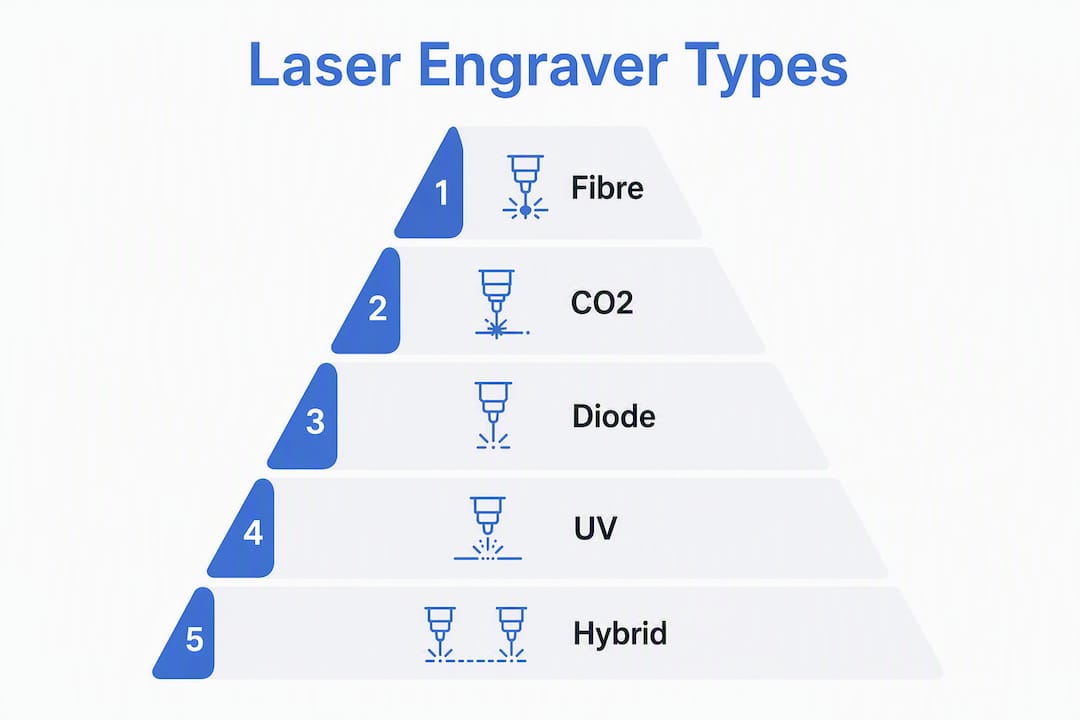
Authoritative roundups group laser engravers into three useful categories: diode machines are the economical choice for wood, leather, and most acrylics; CO2 machines handle thicker organic cuts and mixed materials more comfortably; and fibre or UV lasers are the specialist tools for metal marking, glass, and heat-sensitive substrates. That framework shapes every recommendation below.
xTool F2 Ultra (best overall for UK small businesses)
The F2 Ultra’s MOPA fibre module can mark stainless steel, anodised aluminium, and coated metals without consumables. Add the optional diode module and you cover wood, leather, and acrylic on the same chassis. xTool’s UK-available configuration supports conveyor and rotary attachments, which means batch runs on cylindrical items or continuous-feed flat stock become practical rather than theoretical. For a small business that needs one machine to do serious work across material types, this is the one to shortlist first.
Pros: True metal marking without consumables; modular diode add-on; conveyor-ready for batch production; camera-assisted positioning; strong UK reseller support via HPC Laser.
Cons: High upfront cost; fibre lasers require eye protection and enclosure discipline; not the right tool if you only engrave wood.
xTool P2 (best for mixed cutting and engraving)
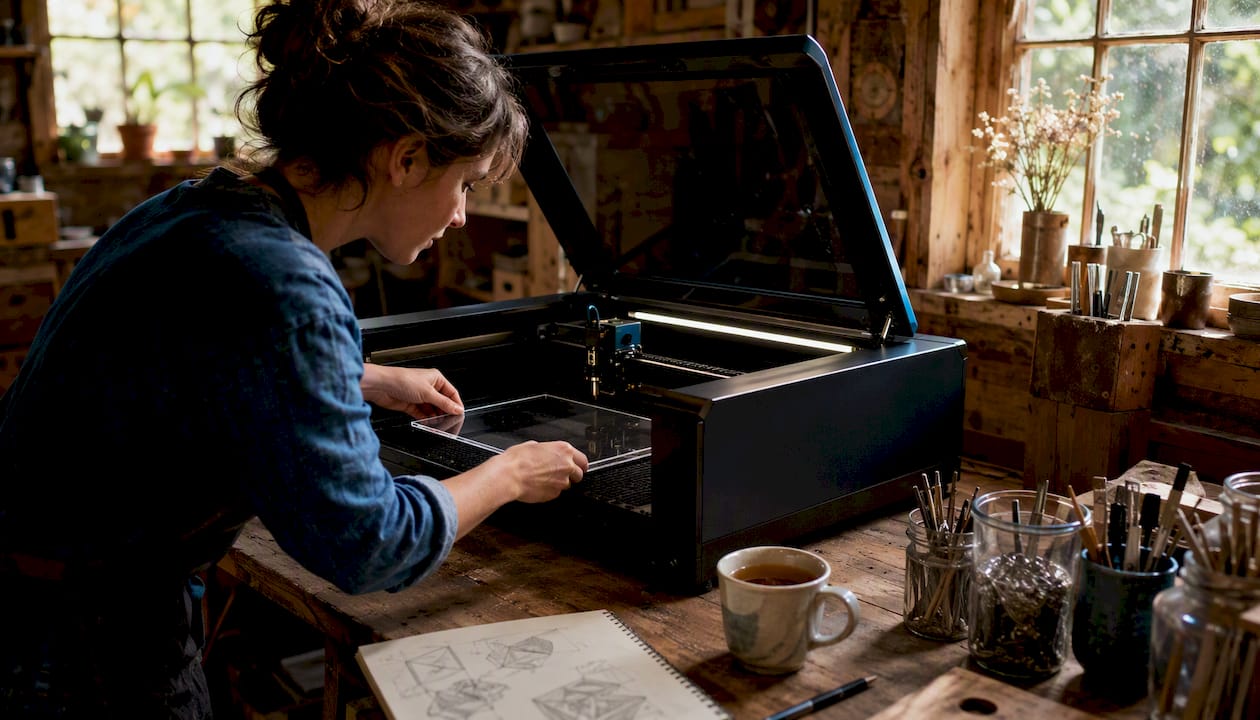
The P2 is a CO2 desktop machine with a camera alignment system that makes repeat positioning fast and accurate. It handles wood, acrylic, leather, and fabric well, and the camera feature reduces setup time on batch jobs significantly. xTool’s UK product range includes the P2 (55W CO2) with air assist and filtration add-ons that make it genuinely business-ready out of the box.
Pros: Camera-assisted alignment; strong CO2 versatility; good accessory ecosystem; enclosed design.
Cons: Cannot mark bare metal; CO2 tubes have a finite lifespan and replacement costs money; larger footprint than diode alternatives.
xTool S1 (best enclosed diode for studios and classrooms)
The S1 is xTool’s enclosed diode machine, built to Class 1 safety standards. That matters enormously in a shared workspace or classroom where open-frame machines would require additional guarding. Power options cover most wood and acrylic work a small studio would throw at it.
Pros: Class 1 enclosed; no additional guarding needed; compatible with LightBurn; good power range for the price.
Cons: Diode limitation means no bare metal marking; bed size is smaller than open-frame equivalents at the same price.
xTool F1 (best portable)
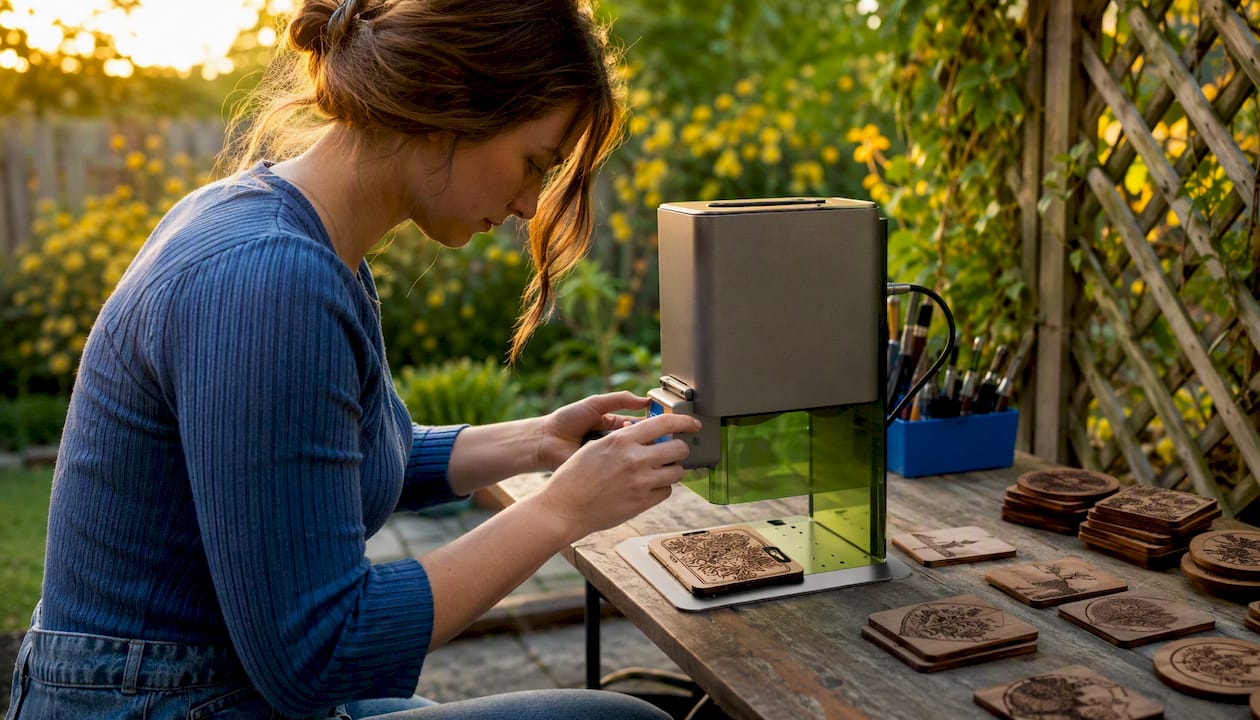
Two lasers in one compact body: a diode for organics and an infrared for metals and dark materials. The F1 is genuinely portable, which makes it useful for on-site personalisation work, markets, or demonstrations. It is not a production machine, but for a maker who needs to travel with their kit, nothing else in this list competes.
Pros: Truly portable; dual-laser versatility; fast engraving speeds; good for on-site work.
Cons: Small work area; not suited to batch production; IR module has limited material range.
LaserPecker LX2 (best modular enclosed diode)
The LX2 takes a different approach: tool-free laser head swaps let you change power modules without disassembly, and the camera alignment system is one of the fastest in its class. It ships with a Class 1 enclosure and targets studios that want enclosed diode engraving with the option to upgrade power later.
Pros: Tool-free module swap; camera alignment; Class 1 enclosed; modular upgrade path.
Cons: Proprietary module ecosystem; higher cost than comparable fixed-head diode machines; limited to diode wavelengths.
Glowforge Aura and Glowforge Pro (best for design-first studios)
The Aura (6W CO2) and Pro (45W CO2) are the easiest machines on this list to get running. Glowforge’s cloud-based software handles most of the technical setup, which is a genuine advantage for studios where the operator is a designer rather than an engineer. The trade-off is dependency on Glowforge’s cloud service and proprietary workflow, which creates a single point of failure for business continuity.
Pros: Extremely easy setup; polished cloud software; enclosed; strong community support.
Cons: Cloud dependency; subscription costs for full software features; limited LightBurn compatibility; Pro requires dedicated extraction.
WeCreat Vision Pro (best camera-assisted precision)
The Vision Pro’s camera system is its headline feature: it maps the work area and positions jobs accurately on irregular or pre-marked stock. For small studios doing batch personalisation on items that are not perfectly uniform, that precision saves significant scrap.
Pros: Strong vision system; enclosed; good for batch work on varied stock.
Cons: Diode-only, so no bare metal marking; less established UK support network than xTool.
SnapMaker Artisan (best multi-tool platform)
If you genuinely need laser engraving, CNC routing, and 3D printing from one machine, the Artisan delivers all three on a single modular chassis. The laser module is a 10W diode, which is capable but not the strongest in this list. The value is in the platform, not the laser alone.
Pros: Three tools in one; good build quality; active community.
Cons: Laser module is mid-range at best; switching between tools takes time; expensive relative to a dedicated laser.
Creality Falcon A1 Pro (best budget from a known brand)
Creality’s reputation comes from 3D printing, and the Falcon A1 Pro carries that brand familiarity into diode laser territory. At 22W it handles wood and acrylic competently, and Creality’s established UK distribution means parts and support are easier to find than with some lesser-known brands.
Pros: Competitive price; known brand with UK distribution; 22W diode is capable for most craft work.
Cons: Open-frame design requires aftermarket enclosure for business use; software ecosystem less mature than xTool’s.
Sculpfun SF-A9 and Two Trees TS2 (best budget options)
Both machines target buyers who want to start engraving without a large outlay. The SF-A9 is frequently cited for its accuracy at a low entry price, particularly on wood and acrylic. The TS2 is even cheaper and suits first-time buyers who want to learn the basics before committing to a more capable machine.
Pros (both): Low purchase price; good for wood and acrylic; active maker communities.
Cons (both): Open-frame, so enclosure and extraction are additional costs; limited software support; not suited to production volumes.
Wainlux K10 (best beginner entry point)
The K10 is a compact, low-power diode machine aimed squarely at hobbyists. It is not a business tool, but for someone who wants to experiment with laser engraving projects before investing in a serious machine, it removes the financial risk.
ComMarker B4, B6, and Omni 1 (best for specialist marking)
The ComMarker range covers fibre (B4/B6) and UV (Omni 1) wavelengths. The B4 and B6 handle coated metals, stainless steel, and anodised aluminium. The Omni 1’s UV laser marks glass, plastics, and medical-grade components without heat damage, which makes it the only sensible choice for heat-sensitive substrates in this list.
Pros: Specialist wavelengths unavailable on diode machines; UV capability for glass and plastics; competitive pricing for fibre.
Cons: Narrow material range compared with CO2 or diode; UV consumables (lamp life) add to running costs.
Acmer P3 (best hybrid workshop option)
The P3 offers CO2 and diode hybrid options for workshops that need to switch between material types without buying two machines. It is a practical choice for a small workshop with varied incoming jobs, though the hybrid approach means it is not the best at any single task.
Pro Tip: Before committing to any machine, ask the UK reseller for a written confirmation of warranty terms, spare parts lead times, and whether on-site service is available. A machine with a two-year warranty backed by a UK engineer visit is worth considerably more than the same machine with a manufacturer-only warranty that requires international shipping for repairs.
How to choose the right laser engraver for your needs
Before you look at specs, answer these questions honestly. They will eliminate most of the list immediately.
Decision checklist
- What materials will you engrave most? Wood and acrylic: diode or CO2. Bare metal: fibre. Glass and heat-sensitive plastics: UV. Mixed: CO2 or a modular fibre+diode system.
- What is your typical batch size? One-off bespoke work suits any machine. Batches of 20+ per day need camera alignment, conveyor support, or rotary capability.
- What is your available footprint? Open-frame machines need clearance around them. Enclosed machines are safer in smaller spaces but have fixed bed dimensions.
- Do you have adequate ventilation? Any laser burning organic material produces harmful fumes. An enclosure and extraction system are not optional for business use.
- What is your electrical supply? Higher-power CO2 and fibre machines may require a dedicated circuit. Check before ordering.
- What software do you already use? LightBurn compatibility is the strongest indicator of long-term flexibility. Check before buying.
- What certification does the machine carry? Look for CE marking and, for enclosed machines, Class 1 laser safety classification.
Questions to ask UK resellers
- What is the warranty period, and is on-site service available in the UK?
- What is the lead time for spare parts (laser tubes, lenses, belts)?
- Is installation and initial training included or available?
- What is the estimated delivery and setup timeframe from order to first job?
- Are consumables (filters, lenses, nozzles) stocked in the UK?
Red flags to watch for
- Open-frame machines sold without any mention of extraction or enclosure requirements.
- Warranties that require you to ship the machine internationally for repair.
- Software that only runs on the vendor’s proprietary app with no LightBurn or LaserGRBL support.
- Power claims that are not backed by independent testing (optical watts versus electrical input watts are very different figures).
Budget open-frame machines frequently lack safety enclosures and require aftermarket enclosures and extraction to meet UK health and safety expectations. Those hidden costs are consistently underestimated by first-time buyers.
First-year total cost of ownership: a worked example
| Cost item | Indicative range (GBP) |
|---|---|
| Machine (mid-range diode, e.g. xTool S1) | £800–£1,200 |
| Enclosure (if open-frame) | £300–£800 |
| Extraction / filtration unit | £800–£1,500 |
| Ducting and installation | £1,500–£3,000 |
| LightBurn licence | £50–£60 |
| Consumables (lenses, nozzles, materials) | varies depending on usage |
| Replacement filter cartridges | £80–£200/year |
| Maintenance / service visit | varies depending on usage |
| Estimated first-year total | £1,500–£3,000 |
The machine price is rarely the largest number once you account for everything a business actually needs to run safely and reliably. For a practical guide to understanding what laser engraver machines involve, Subliblanks covers the technical essentials in plain language.
LightBurn, LaserGRBL, or vendor apps: which software should you use?
For most UK small businesses, LightBurn is the right answer. It supports the widest range of machines, handles camera-based positioning, rotary workflows, and batch processing, and its one-off licence cost (around £50–£60) is trivial against the time it saves. LaserGRBL is a capable free alternative for GRBL-based machines, but its interface is less polished and it lacks some of the production-oriented features that matter when you are running jobs commercially.
Vendor apps (xTool Creative Space, Glowforge’s cloud software, LaserPecker’s mobile app) are worth using during initial setup and calibration. Proprietary software bundled with a machine often reduces calibration time and troubleshooting, particularly for camera-assisted alignment. The problem is lock-in: if the vendor discontinues the app or changes its pricing, your workflow breaks. LightBurn as your primary tool, with vendor software as a fallback, is the most resilient setup for a business.
| Feature | LightBurn | LaserGRBL | Vendor apps (e.g. xTool Creative Space) |
|---|---|---|---|
| Cost | ~£50–£60 one-off | Free | Free (some features subscription) |
| Machine compatibility | Very broad | GRBL machines only | Vendor machines only |
| Camera positioning | Yes | No | Yes (vendor-specific) |
| Rotary workflow | Yes | Limited | Varies |
| Batch processing | Yes | Basic | Varies |
| Learning curve | Moderate | Low–moderate | Low |
| Commercial suitability | High | Medium | Medium |
| LightBurn compatibility | Native | N/A | Varies (xTool: yes; Glowforge: no) |
| Offline operation | Yes | Yes | Glowforge: no |
Workflow recommendations for small businesses
- File prep: Design in Adobe Illustrator, Inkscape, or CorelDRAW and import SVG or DXF into LightBurn. Avoid rasterising vector artwork before import.
- Camera positioning: Calibrate the camera once per machine move. LightBurn’s camera overlay makes repeat positioning on pre-marked blanks fast and reliable.
- Batch processing: Use LightBurn’s array and print-and-cut features for repeat jobs. Camera-assisted cut registration is particularly useful for pre-printed sublimation blanks.
- Rotary workflow: Set rotary parameters in LightBurn once and save as a machine profile. Test on scrap before a production run.
Pro Tip: Keep a copy of your LightBurn licence key and machine profiles backed up to cloud storage. If your computer fails mid-production, you need to be running again in minutes, not hours.
Scaling from hobby to small production: UK safety and hidden costs
The single most common mistake UK buyers make is treating safety as an optional upgrade. Any laser that burns organic material produces harmful fumes, and an enclosure plus correct extraction are not nice-to-haves for business use. The Health and Safety Executive (HSE) expects employers to control exposure to hazardous substances under COSHH regulations, and laser fumes from wood, acrylic, and coated materials fall squarely within that scope.
Extraction and filtration: what you actually need
A basic inline fan ducted outside is the minimum for a hobby setup. For a business, you need a self-contained filtration unit with at least two stages: activated carbon for chemical fumes and HEPA for particulates. Airflow capacity should match or exceed the machine manufacturer’s stated extraction requirement, typically measured in cubic metres per hour.
Filter cartridges are a recurring cost that buyers consistently overlook. Depending on materials and usage, carbon filters need replacing every few months. Budget £80–£200 per year as a baseline, more if you cut acrylic heavily.
“Total cost of ownership should include recurring air filtration cartridge replacement, periodic service visits or on-site engineering, and potential electrical upgrades for higher-power industrial units. These can exceed the machine price in the first two years.” — Lotus Laser, UK manufacturer
Hidden costs checklist
- Ducting and installation (often overlooked in rented premises)
- Electrical upgrades for machines above 2kW
- Spare parts: lenses, nozzles, belts, laser tubes (CO2 tubes have finite lifespans)
- Consumables: materials, masking tape, cleaning supplies
- Service contracts or engineer call-out fees
- Training time (your own and any staff)
- Software licences and renewals
Automation and modularity: where the ROI actually comes from
Camera alignment, rotary modules, and conveyor systems are the fastest route to reducing per-item labour and scrap in batch work. A camera that positions each blank automatically eliminates the manual alignment step that, on a 50-piece run, can add an hour to the job. A conveyor turns a machine that processes one item at a time into something closer to a production line.
British machine makers position modularity and industrial reliability as the primary drivers of long-term ROI for manufacturers moving beyond prototyping. Industrial-grade systems claim lifespans exceeding 15 years, which changes the ROI calculation significantly when spread over that period. A £5,000 machine that runs reliably for 15 years costs less per year than a £1,200 machine replaced every three.
For a deeper look at how laser engraving supports business growth, Subliblanks covers the scaling considerations in detail.
Pro Tip: When evaluating extraction systems, ask the supplier for the filter’s rated capacity in hours of use on your specific materials, not just the general lifespan figure. Acrylic and MDF load filters far faster than wood alone.
Key takeaways
The xTool F2 Ultra is the strongest single machine for UK small businesses that need both metal marking and organic material engraving, backed by UK reseller support and a modular accessory ecosystem.
| Point | Details |
|---|---|
| Match laser type to material | Diode for wood/acrylic, CO2 for mixed organics, fibre for metal, UV for glass and heat-sensitive plastics. |
| Safety is not optional | Enclosure and extraction are legal requirements for business use under HSE/COSHH; budget for both before first run. |
| Total cost of ownership | First-year costs regularly reach £1,430–£3,210 once extraction, consumables, and software are included. |
| Software: choose LightBurn | A one-off licence of around £50–£60 gives the broadest machine support and the best batch/rotary workflow for commercial use. |
| Subliblanks for trade supply | Subliblanks supplies xTool machines, laser-engraveable blanks, and consumables to UK trade customers with no minimum order. |
Why modular, supported machines are the right call for UK small businesses
The debate in laser engraving communities often centres on price per watt, and it is the wrong frame for a business buyer. A machine that costs twice as much but comes with UK-based reseller support, a two-year warranty backed by local engineers, and a modular upgrade path will almost always deliver better value over three to five years than a cheaper alternative that ships from overseas with no local service.
The machines that have impressed me most in this category are the ones where the manufacturer has clearly thought about what happens after the sale: spare parts availability, software updates, accessory compatibility. The xTool ecosystem does this well. The Glowforge does it within its own walled garden, which works until it doesn’t. Open-frame budget machines often do it not at all.
For a small business, downtime is the real cost. A machine sitting idle waiting for a replacement lens from a Chinese warehouse is not saving you money. The practical recommendation is straightforward: buy the most capable modular machine your budget allows, from a reseller who can support you in the UK, and treat the enclosure and extraction as part of the machine cost rather than optional extras.
Before purchase, confirm three things with the reseller: that spare parts are stocked in the UK, that training is available (even remotely), and that the warranty covers on-site service or a clear return process. Those three answers will tell you more about the real cost of ownership than any spec sheet.
Subliblanks: UK trade supply for laser engravers and consumables
Buying a laser engraver is only part of the equation. The blanks, consumables, and ongoing supplies are where a reliable UK trade supplier makes a real difference to your running costs and lead times.
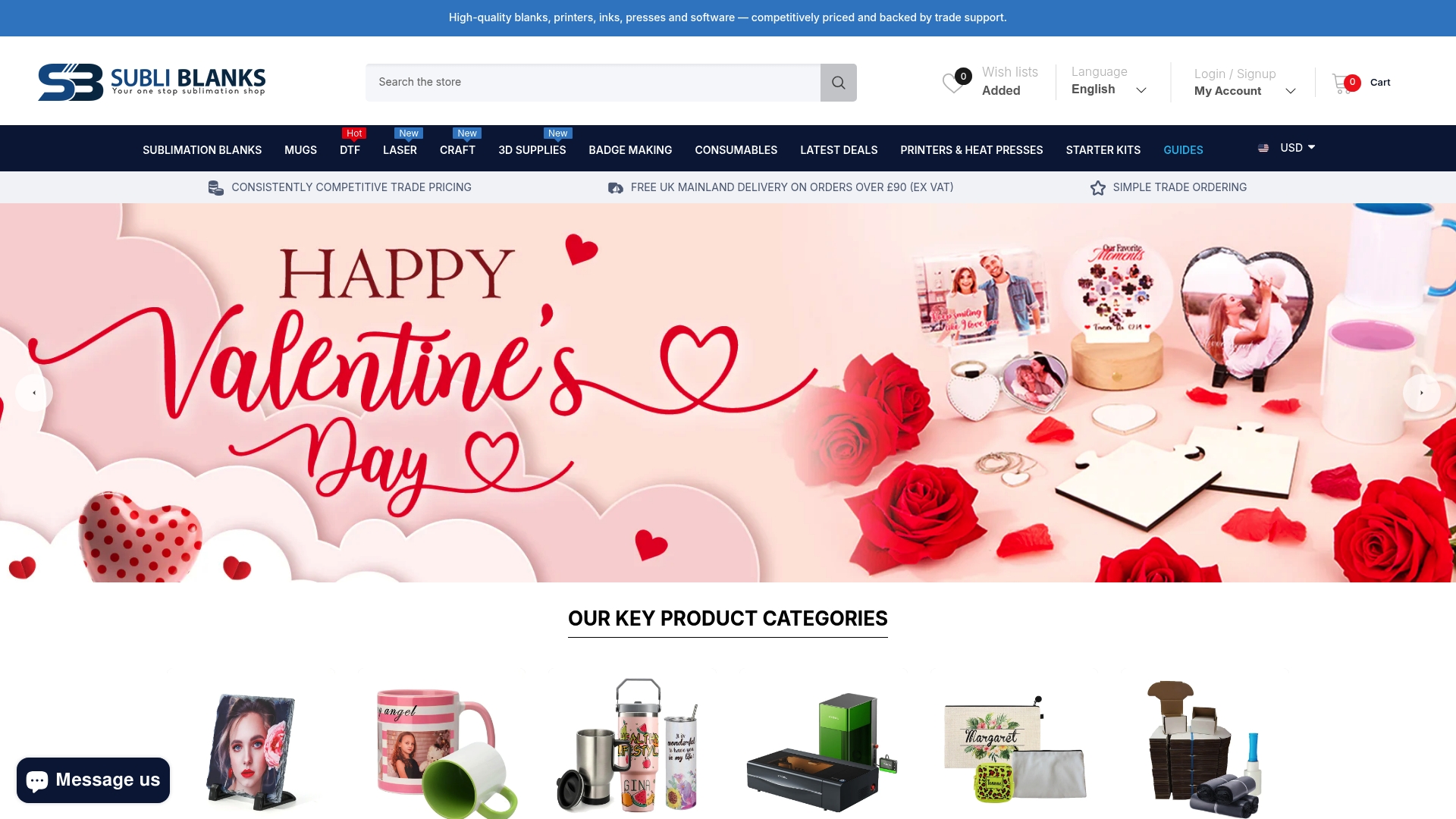
Subliblanks supplies xTool laser engraving machines alongside a full range of laser-engraveable blanks, consumables, and accessories to UK trade customers, with no minimum order quantity. Whether you need a machine to start with or blanks to keep an existing setup running, the catalogue covers both. Trade pricing is available, and the UK-based supply chain means you are not waiting weeks for stock to clear customs.
The product range relevant to laser buyers includes xTool machines (including the F1, F2 Ultra, P2, and S1), laser-engraveable blanks across wood, acrylic, metal, and coated substrates, rotary attachments, air assist kits, and filtration accessories. Sublimation blanks and DTF supplies are also available for businesses running multiple print technologies alongside laser engraving.
To get started, browse the catalogue at subliblanks.com or get in touch directly to discuss trade terms, machine availability, and what consumables your setup will need from day one.
Sources and further reading
Verifying UK availability before ordering is worth the extra step. Ask any reseller for confirmation of UK stock location, VAT-inclusive pricing, and whether warranty service is handled in the UK or requires international return. The sources below are the primary references used in this article.
- Best Laser Cutters and Engravers 2026: Diode, CO2 and Fiber | Tom’s Hardware — Independent testing roundup covering diode, CO2, and fibre machines; the most thorough hands-on comparison available for this category.
- xTool F2 Ultra Fibre Laser Engraver | HPC Laser UK — UK reseller page for the F2 Ultra with local pricing, warranty terms, and availability.
- LaserPecker LX2 | LaserPecker UK — UK product page for the LX2 with modular head specifications and Class 1 enclosure details.
- Best laser engravers of 2026 | TechRadar — Tested roundup covering speed, precision, and use-case suitability across price points.
- Custom laser engraving cost guide | Signature Laser Designs — Useful reference for buyers comparing in-house investment against outsourcing costs.
- Why use laser engraving machines | Subliblanks — Business use-case and ROI guidance for UK buyers considering their first machine.
- Laser engravable materials guide | Subliblanks — Material compatibility reference covering which laser types suit which substrates.
| Source | What it covers |
|---|---|
| Tom’s Hardware (2026 roundup) | Hands-on testing, specs, pros/cons across all laser types |
| xTool UK | Machine specs, accessories, UK pricing and software notes |
| HPC Laser UK | F2 Ultra UK availability, warranty, and reseller terms |
| LaserPecker UK | LX2 modular specs and Class 1 enclosure details |
| Lotus Laser | Industrial lifespan, modularity, and UK manufacturer perspective |
| TechRadar | Speed and precision testing across price points |
| Subliblanks | UK trade supply, blanks, consumables, and machine availability |


