



Sublimation Equipment Setup Guide for Business Success
Starting a custom printing business in the United Kingdom or Ireland brings real excitement and new challenges. Crafting an organised workspace and positioning your sublimation equipment thoughtfully can dramatically improve workflow efficiency and print quality, laying the groundwork for reliable service and professional results. This guide helps you navigate each setup step, equipping your business for smooth operations and consistent customer satisfaction from day one.
Table of Contents
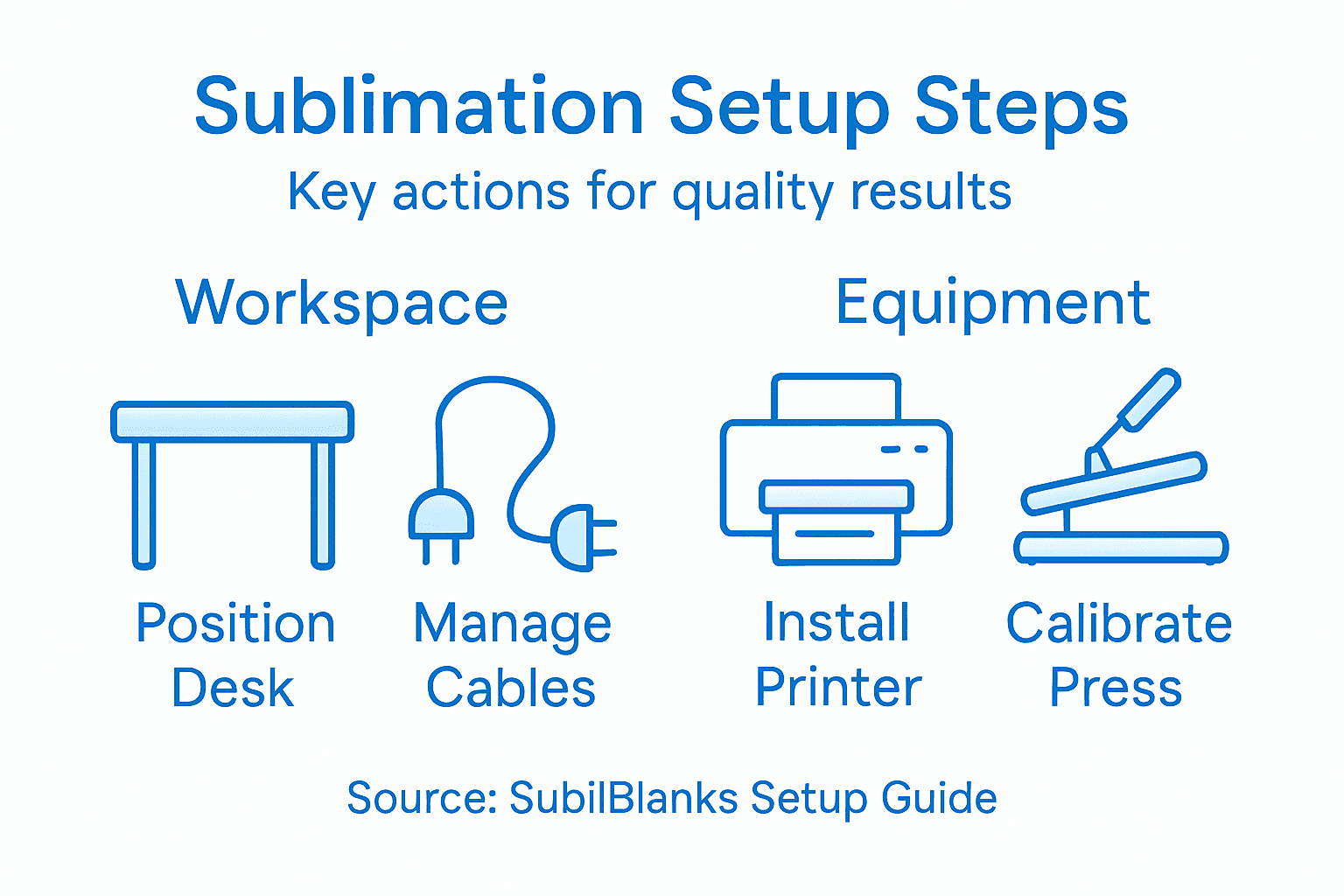
- Step 1: Prepare Your Workspace And Gather Essential Tools
- Step 2: Unpack And Position Sublimation Equipment Correctly
- Step 3: Install Software And Connect Devices Accurately
- Step 4: Calibrate Printers And Press Machinery Carefully
- Step 5: Test Equipment And Verify Output Quality
Quick Summary
| Key Point | Explanation |
|---|---|
| 1. Create an efficient workspace | A well-organised workspace enhances workflow, reduces mistakes, and is crucial for successful sublimation printing. |
| 2. Position equipment strategically | Proper positioning of the sublimation printer and heat press enhances accessibility and workflow efficiency, promoting productivity. |
| 3. Download software from official sources | Always obtain printer software from the manufacturer’s official website to avoid potential issues with compatibility and security. |
| 4. Calibrate equipment regularly | Regular calibration of the heat press and printer ensures consistent quality in prints, preventing costly mistakes in production. |
| 5. Implement quality control protocols | Establishing comprehensive testing and quality control checks is essential for maintaining high standards in sublimation printing outputs. |
Step 1: Prepare your workspace and gather essential tools
Setting up a successful sublimation printing workspace requires careful planning and strategic equipment arrangement. You’ll want to create an organised environment that supports efficient workflow and minimises potential errors during your custom printing projects.
Start by selecting a dedicated workspace with adequate ventilation and a stable, flat surface. Your area should have enough room for your sublimation printer, heat press, computer workstation, and additional equipment like cutting mats and transfer paper storage. Consider the following key workspace elements:
- Clean, dust-free environment
- Solid workbench or sturdy table
- Electrical outlets nearby
- Good overhead and task lighting
- Temperature-controlled room
Next, gather your essential sublimation tools and equipment. While specific requirements might vary, most businesses will need:
- Sublimation printer
- Heat press
- Transfer paper
- Sublimation ink
- Blank products for printing
- Protective equipment (gloves, apron)
- Measuring tools
- Cutting mat
Your workspace is your creative foundation. Invest time in setting it up correctly, and you’ll save countless hours of frustration later.
When arranging your equipment, prioritise workflow efficiency. Position your heat press within easy reach of your printer, and ensure you have sufficient workspace to manoeuvre items comfortably. Cable management is crucial - use cable ties or clips to prevent tripping hazards and maintain a tidy workspace.
Professional tip: Invest in a portable workbench with adjustable height to create a flexible sublimation setup that adapts to your changing business needs.
Here is a summary of workspace setup impacts on productivity:
| Workspace Feature | Business Impact | Risk if Neglected |
|---|---|---|
| Adequate ventilation | Prevents fumes build-up | Health hazards, equipment damage |
| Clear equipment layout | Streamlines workflow | Increased errors, wasted time |
| Stable, flat surfaces | Ensures print consistency | Misalignment, product flaws |
| Cable management | Reduces hazards, tidy setup | Safety risks, tripping issues |
Step 2: Unpack and position sublimation equipment correctly
Unpacking and positioning your sublimation equipment requires careful attention to detail to ensure optimal performance and workflow efficiency. This step is crucial in establishing a professional and functional printing workspace that supports your business operations.
Begin by carefully unpacking sublimation equipment with methodical precision. Inspect each component for any potential shipping damage and verify that all expected items are present. Your primary equipment setup will typically involve two key machines:
- Sublimation printer
- Heat press
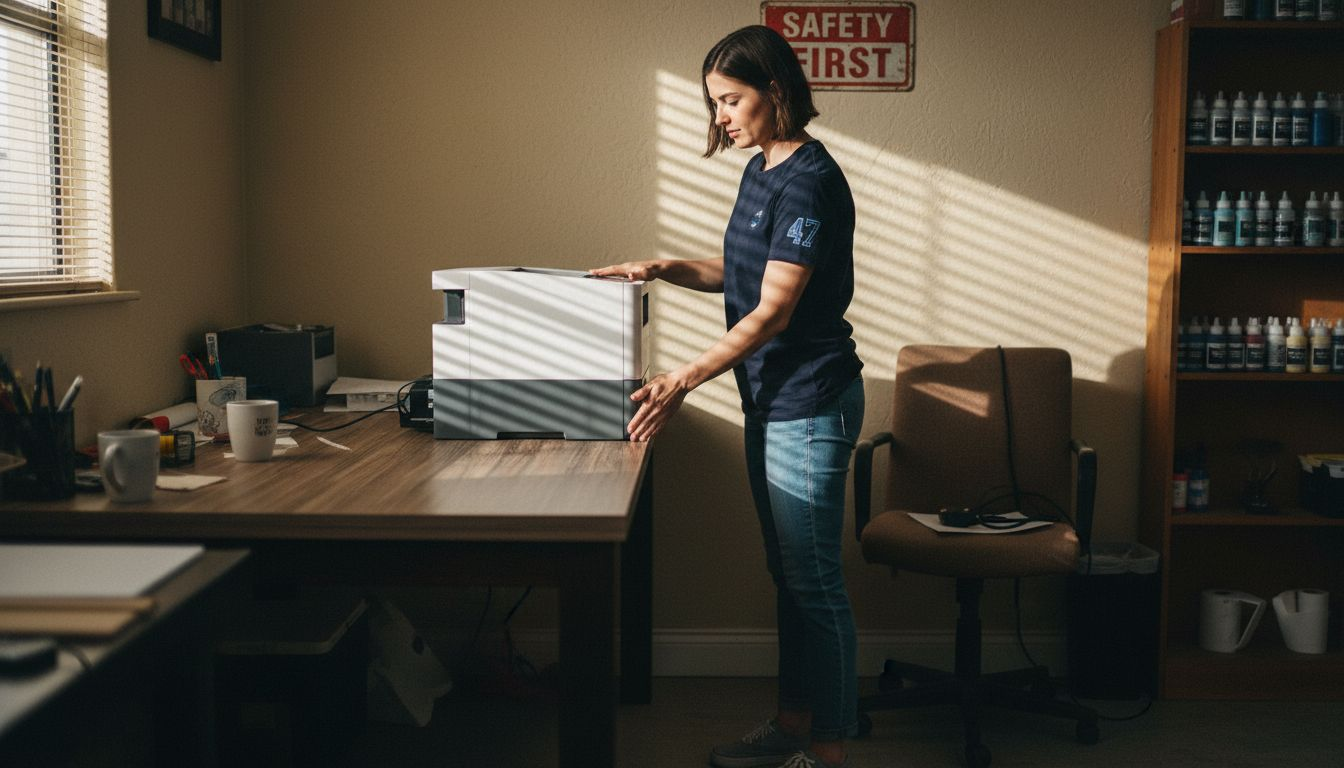
When positioning your equipment, follow these critical placement guidelines:
- Place the sublimation printer near your computer for convenient software connections
- Position the heat press on a sturdy, level workbench
- Ensure clear workspace around each machine for comfortable operation
- Check proximity to electrical outlets
- Allow sufficient room for transferring and cooling printed items
Precise equipment positioning is not just about convenience - it’s about creating an efficient workflow that maximises your productivity.
Each piece of equipment requires specific considerations. Your sublimation printer needs a stable surface with minimal vibration, while the heat press demands a robust, flat platform that can withstand high temperatures and consistent pressure.
Professional tip: Create a designated equipment zone with clear markings to help maintain an organised and efficient workspace.
Step 3: Install software and connect devices accurately
Setting up your sublimation printer’s software and establishing device connections is a critical step that will determine the quality and efficiency of your printing workflow. Getting this right from the start prevents potential technical headaches and ensures smooth operational performance.
Printer software installation requires careful attention to detail. Begin by visiting the manufacturer’s official website and downloading the most recent version of their printer management software. Ensure you’re downloading the correct version compatible with your computer’s operating system.
Follow these essential connection steps:
- Create an account on the manufacturer’s platform
- Download the official printer management software
- Install software following on-screen instructions
- Connect printer via USB cable or network connection
- Verify driver installation
- Check software compatibility with your operating system
- Ensure stable internet connection during download
- Read all installation prompts carefully
- Have your printer’s serial number ready
Technical setup might seem daunting, but methodical approach guarantees a successful installation.
After installation, perform a test print to confirm everything works correctly. Verify printer settings by checking colour output, print quality, and system recognition of your new sublimation printer.
Professional tip: Always download printer software directly from the manufacturer’s official website to avoid potentially compromised third-party sources.
Step 4: Calibrate printers and press machinery carefully
Calibrating your sublimation equipment is a precision task that directly impacts the quality and consistency of your printed products. Getting the alignment and settings right will help you avoid costly mistakes and produce professional-grade transfers every single time.
Begin by focusing on your heat press calibration. Verify the temperature accuracy using a digital infrared thermometer to ensure the machine’s displayed temperature matches the actual surface heat. This step is crucial because even slight temperature variations can dramatically affect transfer quality.
Key calibration steps include:
- Check heat press temperature accuracy
- Verify pressure consistency
- Align printing and transfer surfaces
- Test print registration marks
- Adjust printer colour settings
- Perform regular temperature checks
- Use calibration tools and test prints
- Document your machine’s baseline settings
- Keep detailed maintenance records
Precision in calibration separates professional print shops from amateur setups.
For printer calibration, run diagnostic colour and alignment tests. Print a test page with registration marks and colour gradients to confirm your printer’s output matches your desired specifications. Make incremental adjustments to colour balance, ensuring consistent and accurate colour reproduction.
Professional tip: Invest in a digital calibration toolkit to maintain consistent equipment performance and minimise production errors.
Step 5: Test equipment and verify output quality
Ensuring consistent, high-quality sublimation prints requires a systematic approach to testing and quality control. Your reputation depends on delivering professional-grade products that meet exacting standards every single time.
Quality control checkpoints are critical in identifying potential issues before they impact your final product. Develop a comprehensive testing protocol that examines multiple aspects of your printing process.
Key quality verification steps include:
- Inspect raw transfer materials
- Run colour calibration tests
- Check print resolution and clarity
- Evaluate substrate adhesion
- Verify heat transfer consistency
- Use standardised testing templates
- Document all test results
- Compare prints against reference standards
- Track equipment performance metrics
Consistent quality control separates professional print shops from amateur operations.
Pay close attention to colour accuracy and image sharpness. Print multiple test pages using different settings, examining how variations in temperature, pressure, and ink saturation affect your final transfer. Create a reference log that helps you quickly diagnose and correct potential printing issues.
Below is a comparison of testing methods for output quality:
| Testing Method | Key Focus | Benefit |
|---|---|---|
| Test prints | Colour and sharpness | Verifies realistic output |
| Reference standards | Consistency check | Ensures repeatable quality |
| Equipment metrics | Performance tracking | Detects faults early |
Professional tip: Create a dedicated testing station with controlled lighting and measurement tools to ensure objective and repeatable quality assessments.
Elevate Your Sublimation Business with Expert Equipment and Supplies
Setting up a professional sublimation workspace demands precise equipment, reliable materials, and a well-thought-out workflow. This guide highlights the challenges of arranging your sublimation printer, heat press, and calibration tools efficiently — factors that greatly influence print quality and business success. Achieving consistent colour accuracy and flawless transfers requires the right blanks, inks, and machinery combined with organised workspace management.
Don’t let equipment setup frustrations slow your progress. At SubliBlanks, we understand these critical needs and offer a comprehensive range of sublimation printers, heat presses, and premium blanks with no minimum order quantities. Whether you are calibrating your printer for the first time or testing output quality, we provide everything to streamline your workflow and boost your productivity.
Ready to transform your sublimation setup into a powerhouse of quality and efficiency?
Explore our sublimation printers and supplies today and take the first step towards flawless production.
For reliable products and expert support that directly address your workspace and equipment challenges, trust SubliBlanks. Visit https://subliblanks.com now and unlock your sublimation business potential.
Frequently Asked Questions
How do I prepare my workspace for sublimation printing?
To prepare your workspace for sublimation printing, select a dedicated area with adequate ventilation, a stable flat surface, and sufficient lighting. Arrange your sublimation printer, heat press, and computer workstation within easy reach to create an efficient workflow and reduce potential errors.
What essential tools do I need for sublimation printing?
You’ll need the following essential tools for sublimation printing: a sublimation printer, heat press, transfer paper, sublimation ink, blank products, protective equipment, measuring tools, and a cutting mat. Gather all these tools before you begin setting up your workspace to streamline your printing process.
How should I position my sublimation equipment?
Position your sublimation printer near your computer for convenient access, and place your heat press on a sturdy, level workbench. Ensure you leave enough space for comfortable operation and that your equipment is close to electrical outlets for easy connectivity.
What steps should I follow to install printer software?
Start by downloading the printer management software from the manufacturer’s official website. Follow the on-screen instructions for installation, connect your printer via USB or network, and verify that the driver has been installed correctly to avoid technical issues during printing.
How can I calibrate my sublimation printer and heat press?
To calibrate your sublimation printer and heat press, first check the temperature accuracy of the heat press using a digital infrared thermometer, and adjust the pressure settings as necessary. For the printer, run alignment and colour calibration tests to ensure the output matches your desired specifications for vibrant and accurate prints.
What should I do to test the quality of my sublimation prints?
To ensure quality, inspect raw transfer materials, run colour calibration tests, and evaluate print resolution and clarity. Conduct multiple test prints to compare against reference standards, and track your equipment’s performance metrics to identify and resolve any issues promptly.


