



Sublimation Transfer Process: Achieve Professional Prints Easily
Finding affordable equipment and reliable supplies often feels like the hardest part of getting started with sublimation printing. For hobbyists and small business owners across the UK and Ireland, making the right choices at the beginning saves both time and money. This guide covers how to select sublimation blanks with polymer coating or polyester-based material, prepare your workspace and equipment, and ensure your printed designs look bright and professional from the very first try.
Table of Contents
- Step 1: Select Suitable Sublimation Blanks And Materials
- Step 2: Set Up And Prepare Sublimation Printing Equipment
- Step 3: Print High-Quality Sublimation Designs On Transfer Paper
- Step 4: Transfer Designs Onto Blanks Using Heat Press
- Step 5: Check Finished Items For Quality And Durability
Quick Summary
| Key Insight | Explanation |
|---|---|
| 1. Choose Suitable Sublimation Blanks | Opt for materials with a polymer coating or polyester to ensure vibrant colours and durability in prints. |
| 2. Proper Equipment Setup is Essential | Use calibrated sublimation printers and heat presses to achieve consistent high-quality results in printing. |
| 3. Conduct Test Prints for Accuracy | Always perform test prints on sample materials to validate colour accuracy and ensure optimal equipment settings. |
| 4. Monitor Temperature and Pressure | Precise control over heat and pressure is critical for a successful sublimation transfer, affecting print quality. |
| 5. Implement Quality Inspection Routines | Regularly check for colour consistency and surface integration to maintain a high standard in sublimation products. |
Step 1: Select suitable sublimation blanks and materials
Choosing the right sublimation blanks is crucial for achieving professional-quality printed designs. You’ll want to select materials that can effectively absorb and display sublimation dyes, ensuring vibrant and long-lasting results.
When selecting sublimation blanks, focus on items with a polymer coating or polyester-based composition. Suitable substrates for dye transfer include a wide range of products such as:
- Polyester fabrics
- Ceramic tiles
- Specially coated mugs
- Aluminium license plates
- Keychains
- Ceramic coasters
The key characteristics to consider are a white or light background and heat resistance. These qualities ensure that your sublimation colours appear crisp and vivid while withstanding the high-temperature transfer process. For textiles, polyester provides the best results, while rigid items require specially prepared surfaces that allow dye penetration and permanent bonding.
Here is a comparison of common sublimation blank materials and their unique properties:
| Material Type | Ideal Use Cases | Key Advantages |
|---|---|---|
| Polyester Fabric | Apparel, flags, lanyards | Excellent colour vibrancy, flexible |
| Ceramic (Coated) | Mugs, coasters, tiles | High durability, bright glossy finish |
| Aluminium (Coated) | Signs, licence plates | Lightweight, resistant to fading |
| Polymer Keychains | Promotional items | Inexpensive, easy transfer process |
Select blanks with a consistent, light-coloured surface to maximise colour vibrancy and print quality.
Colour selection matters significantly. Light-coloured blanks enable your sublimation designs to appear bright and clear, preventing colour distortion or muting that can occur with darker backgrounds.
Helpful Tip: Always test a sample blank before committing to a large production run to ensure optimal print quality and material compatibility.
Step 2: Set up and prepare sublimation printing equipment
Preparing your sublimation printing equipment is a critical step that determines the quality and consistency of your final printed designs. You’ll need to configure your printer, heat press, and workspace carefully to achieve professional results.
Start by selecting the right printer - typically a specialised sublimation printer with precise configuration such as a Sawgrass or converted Epson model. These printers must be loaded with specific sublimation inks and calibrated for high-resolution transfer paper printing.
Your essential equipment checklist includes:
- Sublimation printer
- Sublimation transfer paper
- Sublimation ink cartridges
- Heat press machine
- Temperature-resistant protective gloves
- Teflon sheets
For the heat press, calibration is crucial. Temperature settings matter significantly, typically ranging between 350 to 400 degrees Fahrenheit. Ensure your machine allows precise adjustments for different blank materials.
Consistent temperature and pressure are the keys to achieving vibrant, long-lasting sublimation prints.
Workspace preparation involves creating a well-ventilated area with a sturdy, heat-resistant work surface. Position your heat press on a stable table away from flammable materials, and ensure you have adequate safety equipment nearby.
Pro Tip: Always perform test prints on sample materials to fine-tune your equipment settings and verify colour accuracy before starting full production.
Step 3: Print high-quality sublimation designs on transfer paper
Achieving exceptional sublimation prints requires careful attention to design preparation and printing techniques. You’ll transform your digital artwork into professional-grade transfer images ready for heat application.
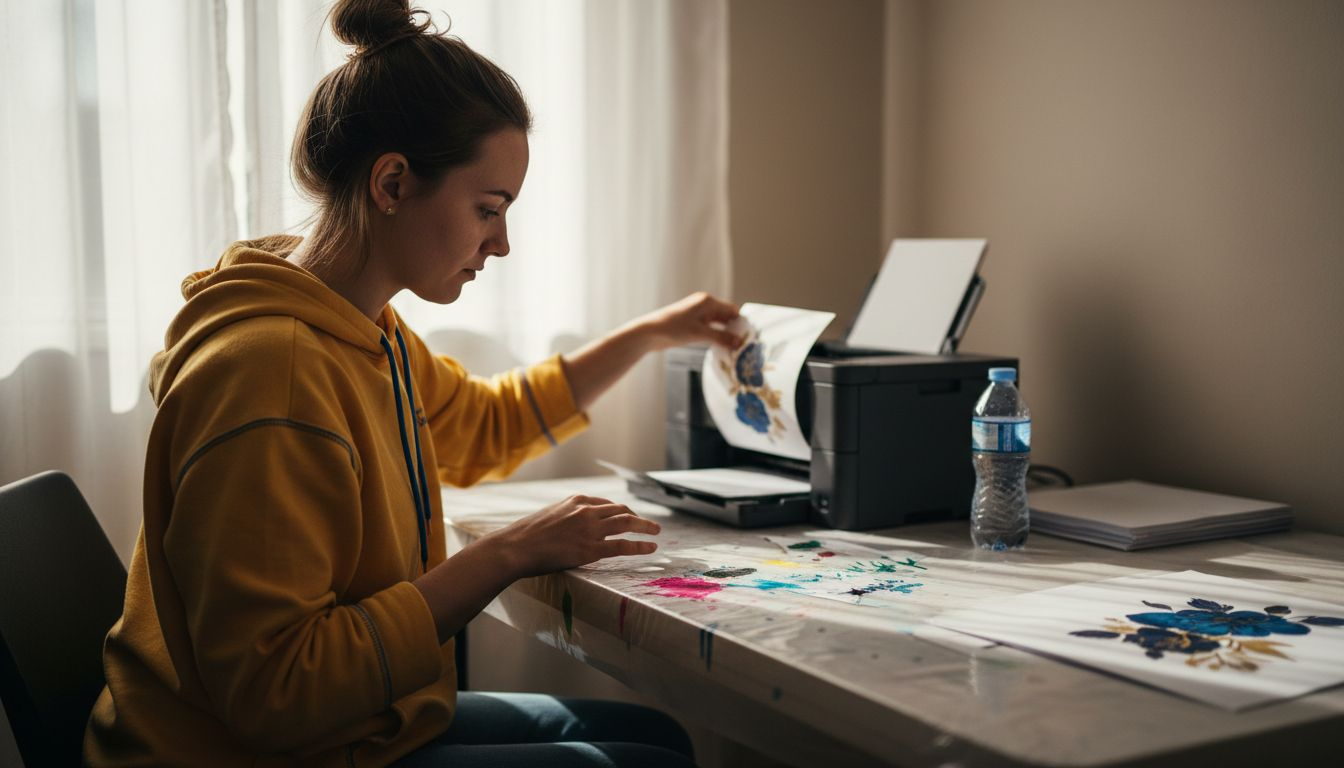
Begin by preparing your graphic design with precise digital printing specifications. Ensure your image resolution is a minimum of 300 DPI, saved in PNG or JPG format to guarantee crisp, clear transfers.
Your design preparation checklist includes:
- Select high-resolution graphics
- Use professional design software
- Choose colour-rich images
- Verify image compatibility
- Adjust image size to match blank dimensions
When printing, printer configuration becomes critical. Load specialised sublimation transfer paper with correct orientation, adjusting print profiles to optimise ink density and colour accuracy. Your printer settings should accommodate the unique requirements of sublimation printing.
Precise digital preparation determines the quality of your final sublimation transfer.
Colour management plays a crucial role in achieving vibrant prints. Modern sublimation printers apply layers of cyan, magenta, and yellow sequentially, creating rich, continuous-tone images without traditional halftone patterns.
Pro Tip: Always perform a test print on scrap transfer paper to validate colour reproduction and image clarity before committing to your final blank.
Step 4: Transfer designs onto blanks using heat press
The heat transfer process transforms your carefully prepared design into a permanent, vibrant image on your chosen sublimation blank. You’ll need precision and careful technique to achieve professional results.
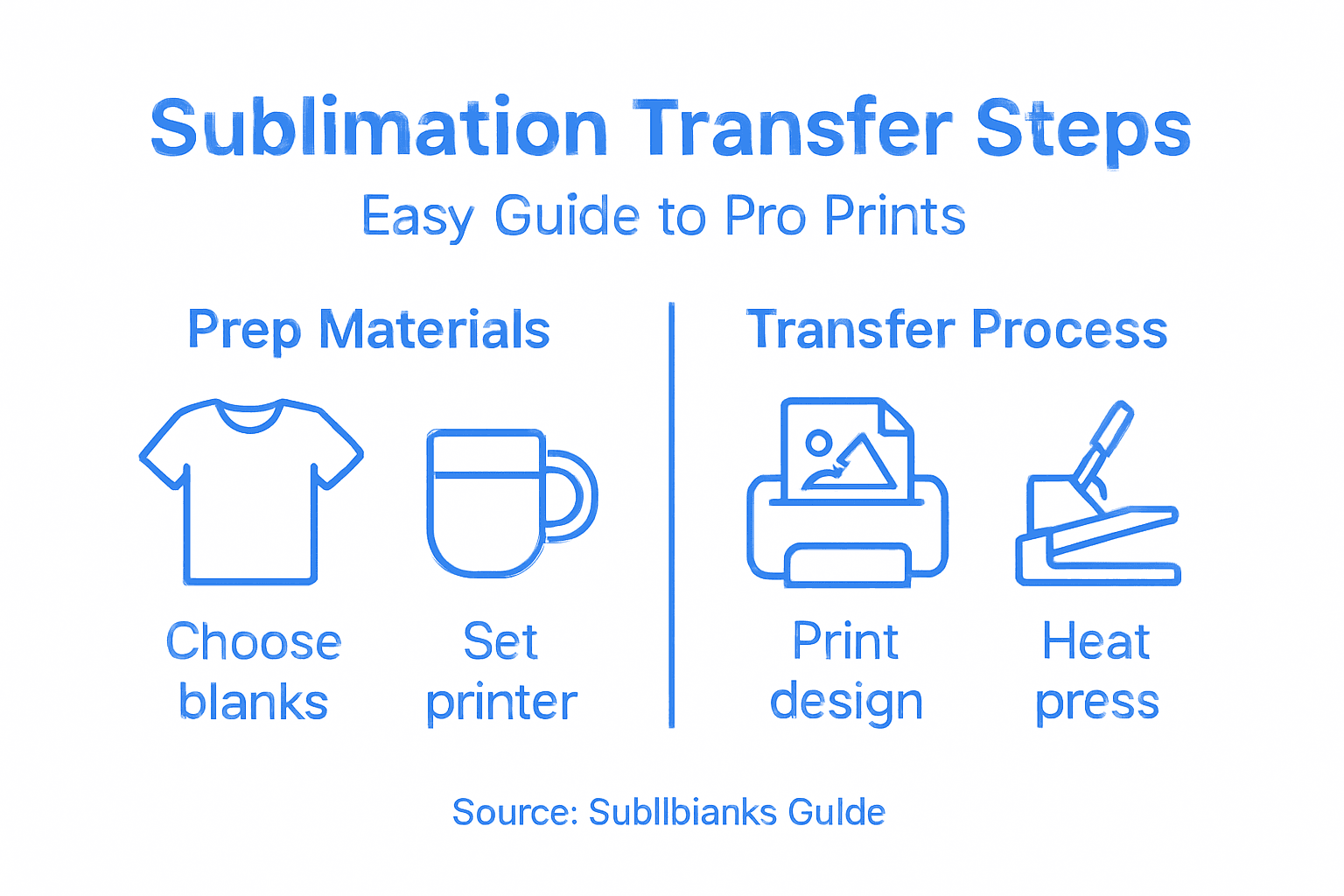
Begin by understanding the heat press transfer mechanics which involve strategically applying heat and pressure to imprint your design. Different heat press types - clamshell, swing-away, and draw presses - offer unique approaches to transferring images.
Your heat transfer essential checklist includes:
- Preheat heat press to material-specific temperature
- Prepare transfer paper with printed design
- Position blank on press platen
- Secure transfer paper carefully
- Apply consistent medium pressure
- Time transfer precisely
Temperature settings are critical. Most sublimation blanks require temperatures between 375 to 400 degrees Fahrenheit, though this varies depending on your specific material. Place your transfer paper image-side down on the blank, securing with heat-resistant tape if necessary.
Precise temperature, pressure, and timing are the keys to a flawless sublimation transfer.
Pressing technique demands careful attention. Close the heat press, applying medium, even pressure. Hold for the recommended duration specific to your blank material - typically 40-60 seconds. Remove the blank carefully while it’s still warm for the best image transfer results.
Pro Tip: Keep a log of your successful transfer settings for each type of blank to ensure consistent, high-quality results in future printing projects.
Step 5: Check finished items for quality and durability
Evaluating the quality of your sublimation prints is crucial to ensuring customer satisfaction and maintaining professional standards. You’ll need a systematic approach to assess the visual and physical characteristics of your transferred designs.
Begin with a thorough visual inspection, examining printed item durability and quality standards. Look for key indicators that demonstrate a successful sublimation transfer:
- Consistent colour vibrancy
- Sharp image clarity
- Absence of transfer bubbles
- Uniform design coverage
- No visible transfer lines or wrinkles
- Crisp edge definition
Image integrity requires close examination. Check for colour bleeding, fading potential, and overall print resolution. Run your fingers gently across the design to ensure smooth integration with the blank surface.
A meticulous quality check separates professional sublimation work from amateur attempts.
For durability testing, simulate real-world conditions. Perform gentle abrasion tests, check colour fastness under light exposure, and assess moisture resistance. These tests will reveal how well your transferred design will withstand regular use.
This table summarises quality inspection checks and their importance in sublimation printing:
| Inspection Aspect | What to Look For | Impact on Final Product |
|---|---|---|
| Colour Consistency | Even tones, no dull areas | Enhances visual appeal |
| Image Sharpness | Defined edges, no blurring | Ensures professional impression |
| Surface Integration | Smooth print, no bubbling | Increases product durability |
| Durability Testing | Fastness, abrasion results | Confirms longevity for customers |
Pro Tip: Develop a standardised quality inspection checklist and photograph each item for consistent reference and continuous improvement of your sublimation process.
Elevate Your Sublimation Printing with Expert-Grade Supplies and Equipment
The sublimation transfer process demands precision in materials and equipment to achieve vibrant, durable prints without compromise. From selecting the perfect polyester blanks to mastering heat press temperature and pressure, every step presents challenges that can affect your final product’s quality and longevity. If you have ever struggled with inconsistent colour vibrancy, poor print sharpness, or difficulty in finding compatible sublimation blanks and reliable printing gear, you are not alone.
At Subliblanks, we understand these exact needs and frustrations. We offer a wide range of sublimation blanks designed specifically for optimal colour transfer and heat resistance, alongside professional sublimation printers and essential heat press accessories. Whether you require ceramic-coated mugs, polyester apparel blanks, or precision transfer papers, our no minimum order quantities give you the freedom to experiment, test, and perfect your sublimation process at your own pace.
Upgrade your sublimation printing journey today with trusted products tailored for your success. Explore our comprehensive selection and take control of your print quality and workflow by visiting Subliblanks. Start creating professional-grade sublimation prints that impress and endure without delay.
Frequently Asked Questions
What materials are best for sublimation printing?
Choosing the right sublimation blanks is essential for achieving vibrant prints. Focus on materials such as polyester fabrics and specially coated ceramics that can absorb sublimation dyes effectively.
How do I set up my sublimation printer for optimal results?
To configure your sublimation printer, ensure you are using the appropriate sublimation inks and high-resolution transfer paper. Set your printer settings to match the specific requirements for sublimation printing, like adjusting ink density for colour accuracy.
What are the ideal temperature and pressure settings for heat transfer?
Typically, sublimation transfers require a heat press temperature of 375 to 400 degrees Fahrenheit with medium pressure. Always preheat the heat press and refer to material guidelines for specific timings, usually around 40-60 seconds.
How can I ensure the quality of my finished sublimation prints?
Perform a thorough visual inspection of your sublimation prints, looking for consistent colour vibrancy and sharp image clarity. Conduct a durability test by simulating real-world conditions, such as gentle abrasion to confirm the longevity of the prints.
What steps should I take if the colours appear dull in my sublimation prints?
If your colours are appearing dull, ensure you are using light-coloured sublimation blanks, as they enhance colour vibrancy. Additionally, check your printer settings to confirm that the ink density and print profiles are optimised for vibrant colour reproduction.
How can I improve my sublimation printing process for future projects?
Log your successful transfer settings, including temperature, pressure, and timing for each type of blank. This systematic approach helps maintain consistency and quality in your sublimation projects going forward.


